





i5 Mini PCs
-
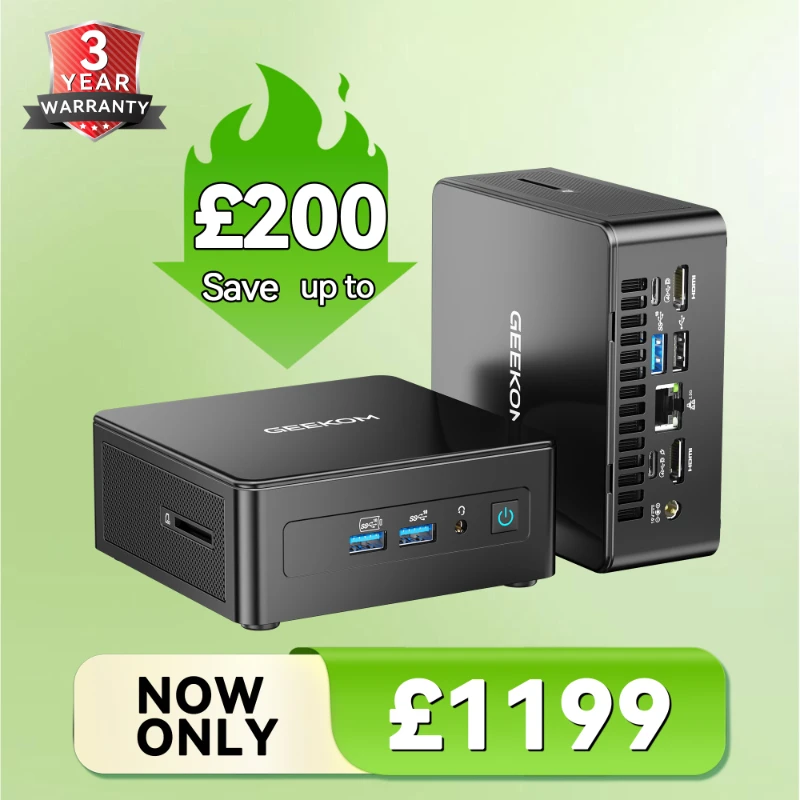
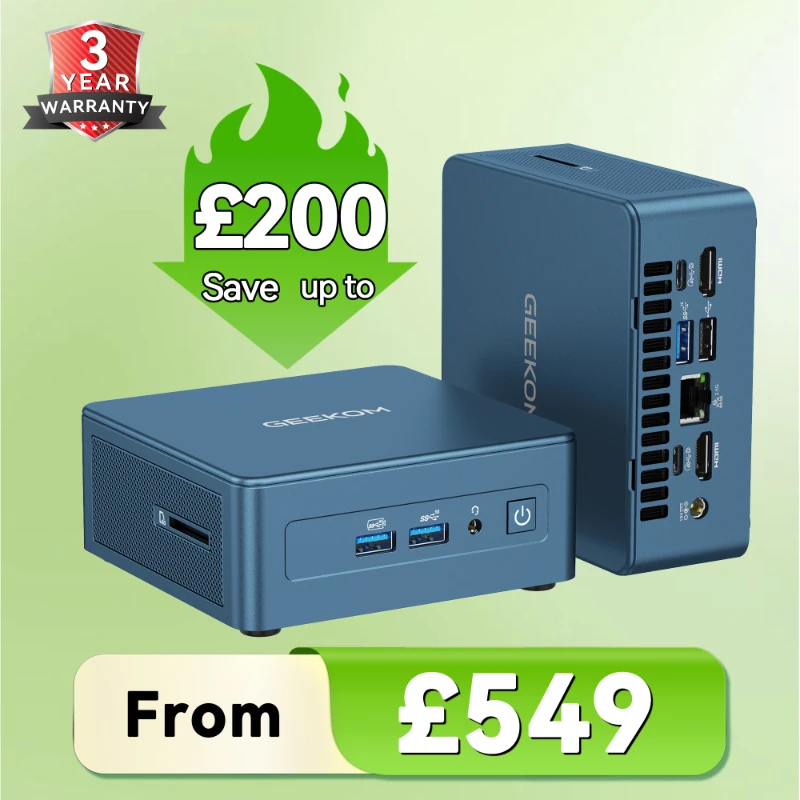
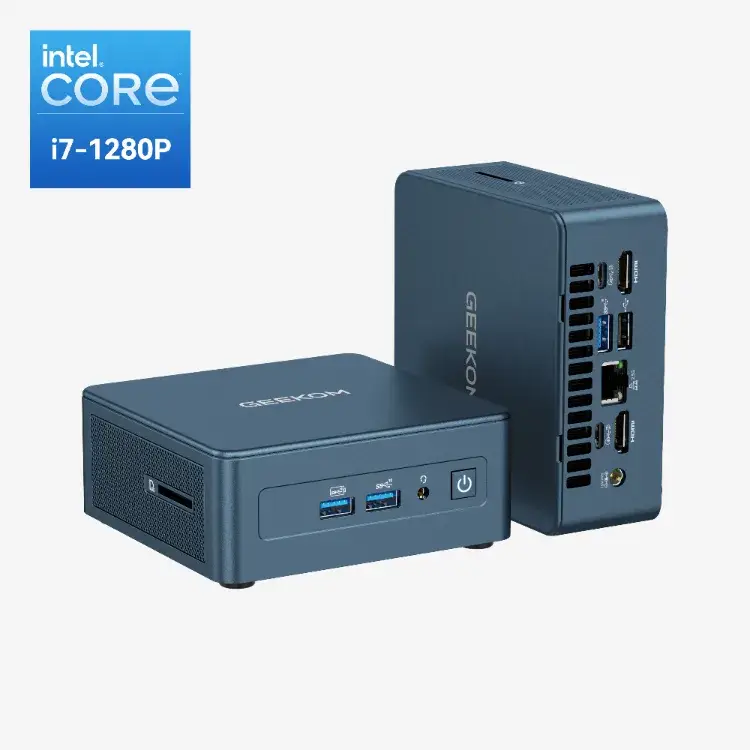
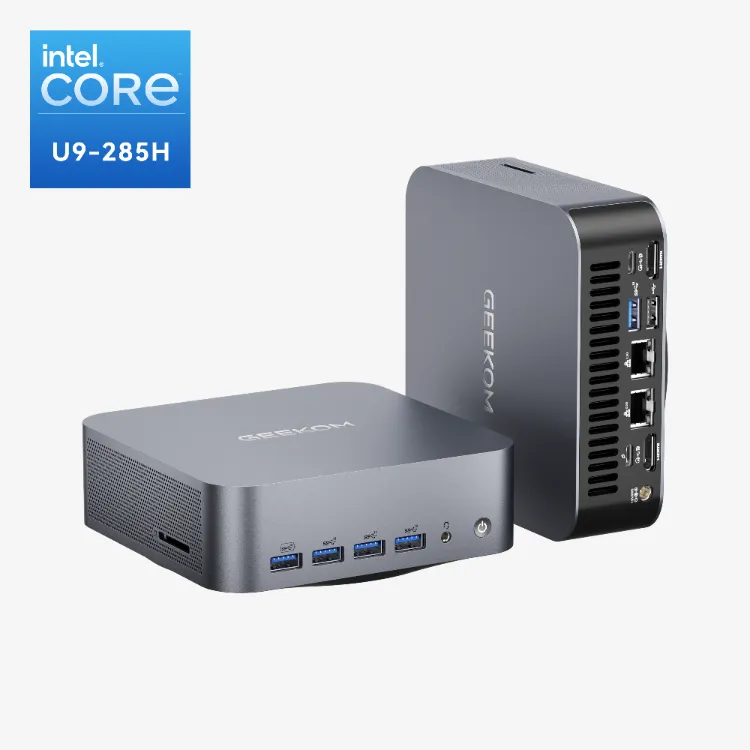
GEEKOM IT13 Mini PC Intel® Core™ i9-13900HK | i5-13600H
£548.00 – £699.00Price range: £548.00 through £699.00Built for long-term performance >>
Quality you can rely on, year after year.
🏆Named “Best Mini PC of 2025” by Windows Central
- The Top Alternative to the Intel NUC 13th Gen
- Strong performance — Replaces bulky desktops, smooth for multitasking, stock trading & light design.
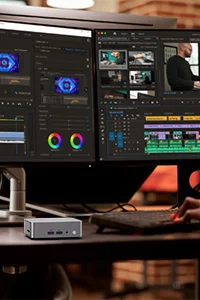
- Intel Iris Xe Top-of-the-line – Integrated graphics frequency further increased, easily handling 4K video multi-track editing and color grading.
- No lag – Advanced cooling prevents overheating, ideal for long hours of use.
- Multi-screen support – Connect up to 4 displays, perfect for efficient workflow.
- Easy to set up — Plug & play, works seamlessly with Windows 11 Pro & existing devices.

The Core i5 processor is Intel’s midrange processor and their most popular model. It performs well and is appropriate for most tasks. If you require more power, the Core i7 is available, but the i5 will suffice for most users.
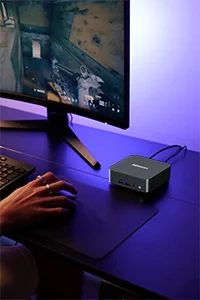
A mini PC with an Intel Core i5 processor is a great choice for a budget-friendly computer that can still handle most tasks. You will be able to surf the web, send emails, use word processing, play casual games, and watch video.
Choose Other Intel Core Mini PC Range
Learn More about Intel Core i5 Processors
FAQ about Intel Core i5 Mini PCs
Is the i5 still worth it?
The Intel Core i5 remains a solid value choice for most users as of early 2025, though the answer depends on your specific needs and which generation you’re considering.
i5 Mini PCs behave good at:
- Gaming: Modern Intel Core i5 (13th/14th gen) can deliver excellent gaming performance that’s often within 5-10% of i7 series, especially when paired with mid-range GPUs
- General productivity: More than enough power for office work, web browsing, content consumption, and light creative tasks
- Price-to-performance: Generally hits the sweet spot between budget Intel Core i3 series and premium i7/i9 chips
- Power efficiency: Recent generations offer good performance per watt, particularly important for laptops and mini PCs
Consider alternatives if:
- You do heavy video editing, 3D rendering, or streaming while gaming – an i7 or Ryzen 7 would serve you better
- You’re on a tight budget and only need basic computing – an i3 or Ryzen 5 might suffice
- You want the absolute best performance regardless of cost – look at i7/i9 or Ryzen 9
Current market context: The 14th gen i5s (like the i5-14600K for desktop) offer excellent performance with their mix of Performance and Efficiency cores. AMD’s Ryzen 5 7600X and newer Ryzen 7000 series also provide strong competition in this price range, so compare current prices and availability.
When should I consider upgrading Intel Core i5 to i7?
Usually upgrading from an Intel Core i5 to i7 makes sense in these situations:
Performance-demanding tasks: If you regularly do CPU-intensive work like video editing, 3D rendering, streaming while gaming, heavy multitasking with professional software, or compile large codebases, the i7’s additional cores/threads and higher clock speeds can provide meaningful improvements.
Gaming bottlenecks: While most games run fine on modern i5 processors, if you’re experiencing CPU bottlenecks (high CPU usage while GPU usage is low) in CPU-heavy games or you’re targeting very high frame rates (144Hz+), an i7 might help. This is especially relevant for simulation games, strategy games, or competitive esports titles at low settings.
Longevity concerns: If your i5 is several generations old (4+ years) and you’re starting to notice slowdowns in everyday tasks, upgrading to a current-generation i7 could extend your system’s useful life by several years.
Professional requirements: If your work demands quick turnaround times and the time saved on tasks like rendering or compilation directly impacts your productivity or income, the upgrade can pay for itself.
You probably don’t need to upgrade if: Your i5 is relatively recent (last 2-3 generations), you primarily use your computer for web browsing, office work, and light gaming, or your performance issues are actually caused by other bottlenecks (insufficient RAM, slow storage, or GPU limitations).
Before upgrading, check your current CPU usage during typical workloads. If it’s consistently maxing out at 100%, an upgrade would likely help. Also consider that upgrading might require a new motherboard if you’re moving to a newer generation, which adds to the cost.
What is the best i5 mini PC to buy?
GEEKOM IT12 Mini PC with i5-12450H is an excellent choice for following key strengths:
Performance Advantages
The i5-12450H is a 12th generation Intel mobile processor that brings several compelling features to mini PCs:
Hybrid Architecture – It uses Intel’s Alder Lake design with 4 Performance cores and 4 Efficient cores (8 cores total, 12 threads). This provides excellent multitasking capability while maintaining power efficiency – crucial for the thermal constraints of mini PCs.
Strong Single and Multi-Core Performance – With boost clocks up to 4.4 GHz on the P-cores, it delivers responsive performance for everyday tasks while having enough multi-threaded power for more demanding workloads like content creation or light gaming.
45W TDP – The H-series designation means it’s designed for 45W base power, striking a balance between the lower-power U-series (15W) and desktop chips. This gives mini PCs more performance headroom while remaining manageable for compact cooling solutions.
It’s powerful enough to feel snappy and responsive without requiring the elaborate cooling that higher-end chips demand.